Present photorealistic renders in your first client meeting.
Transform SketchUp exports, Revit models, and hand sketches into stunning architectural visualizations in 30 seconds. No V-Ray, no render farms, no hardware upgrades. Just upload, describe, and render.
Sound familiar?
Rendering eats your design time.
A single V-Ray scene takes 2-4 hours to set up. Between tweaking materials, lighting, camera angles, test renders, and waiting for the final export, the time adds up fast. Multiply that by 5 options for a client, and you've lost a week to visualization instead of design. Your job is to create great architecture, not to babysit a render queue.
The tools cost more than some clients pay you.
Traditional rendering software runs $500-1,500/year depending on the tool and tier. Plus, you need a workstation with a dedicated GPU that can handle the load, which adds another $2,000-4,000. For a solo practitioner or a small studio, that's a significant overhead before you've rendered a single frame.
Your clients can't see what you see.
You can look at a floor plan and picture the finished building. Your clients can't. They stare at lines on paper, nod politely, and then ask for changes three months into the project because they "didn't realize it would look like that." One render in the first meeting would have saved you both the headache.
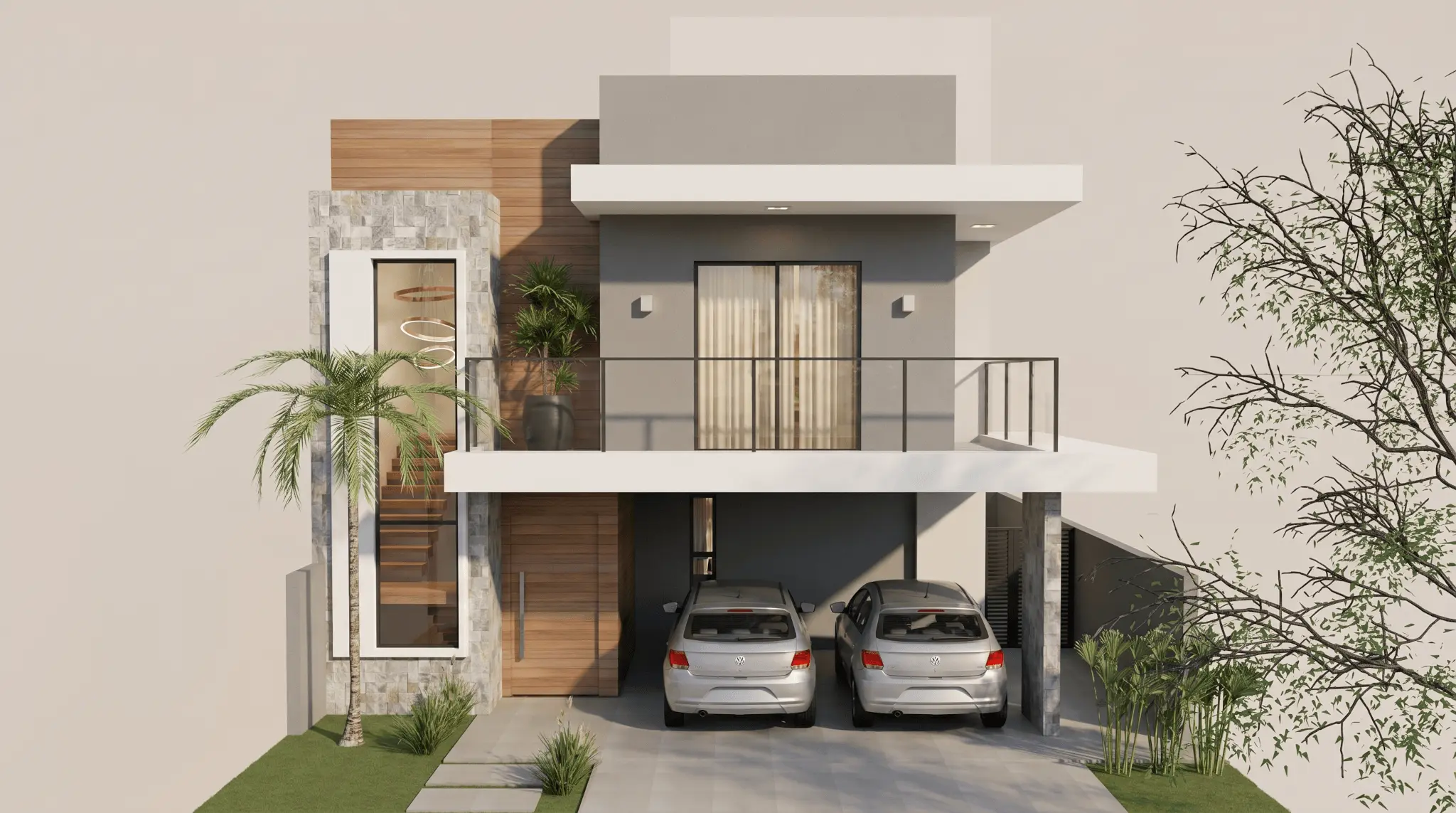
From model to photorealistic render in 30 seconds.
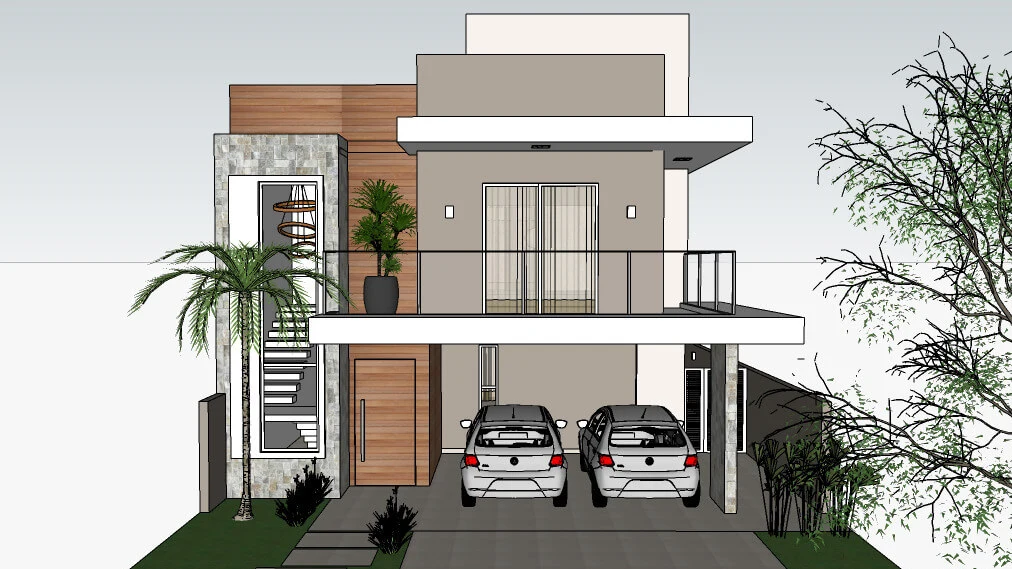
Drop in whatever you have.
A SketchUp screenshot, a Revit export, a Rhino viewport capture, a hand-drawn perspective sketch, or even a napkin drawing. No plugins to install, no file conversion, no special export settings. If you can see it on your screen, you can render it.
Drop your image here
or click to browse
Uploading...
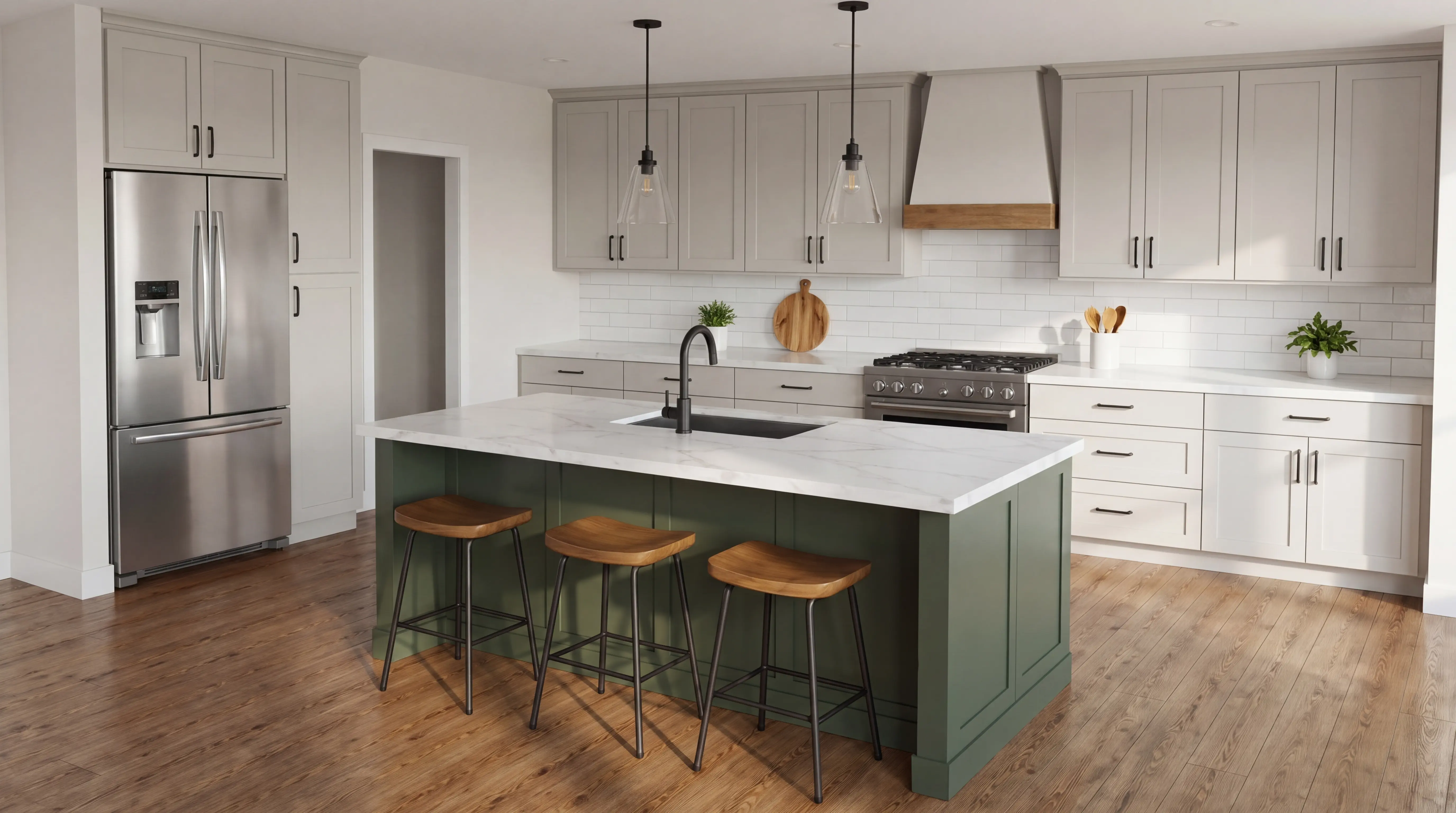
kitchen-sketchup.png
Image uploaded
kitchen-sketchup.png
Tell the AI what you're going for.
Choose from styles like Modern, Brutalist, and Mediterranean. Or write it in your own words: "exposed concrete, floor-to-ceiling glass, mature oak trees, overcast sky." Specify the time of day, the season, the landscape. It speaks your language.
Download a presentation-ready image.
In 30 seconds you have a photorealistic visualization you'd be proud to show a client. Download in up to 4K for printed boards or digital presentations. Don't like it? Adjust the prompt and regenerate. It costs you 30 seconds, not 3 hours.
Why architects choose Renderato
Get client buy-in from day one.
Most firms don't show renders until the design development phase because traditional rendering is too slow and expensive for early concepts. With Renderato, you can walk into a schematic design meeting with five photorealistic options. Clients choose faster. Projects move forward. You win work that used to go to the firm with the bigger visualization budget.
Explore 10 directions for the cost of one.
Traditional rendering locks you into a single design direction because each iteration costs hours. Renderato lets you generate Modern, Minimalist, and Industrial variations of the same model in under 5 minutes. Test materiality. Try different landscaping. Show the building at dawn and at dusk. Creative exploration should be cheap and fast. Now it is.
Present from anywhere, on any device.
Renderato runs in the browser. No GPU. No software installation. No IT department. Generate renders on your laptop at a client's dining table, on your tablet during a site visit, or on the office desktop. Your visualization capability travels with you.
Keep your existing workflow.
You don't need to learn a new tool or change how you model. Keep designing in SketchUp, Revit, Rhino, ArchiCAD, or whatever you already use. When you need a visual, screenshot your model, upload it, and render. Renderato sits right on top of your workflow instead of replacing it.
Spend your budget on design, not rendering.
A single outsourced render costs $100-500. Traditional rendering software plus capable hardware can run $2,000-5,000 per year. Renderato starts free, and credit packs cost a fraction of a single outsourced render. Redirect those savings to better materials, more site visits, or simply better margins.
What architects are rendering
From early massing studies to final presentation visuals. Explore what's possible.
Exterior
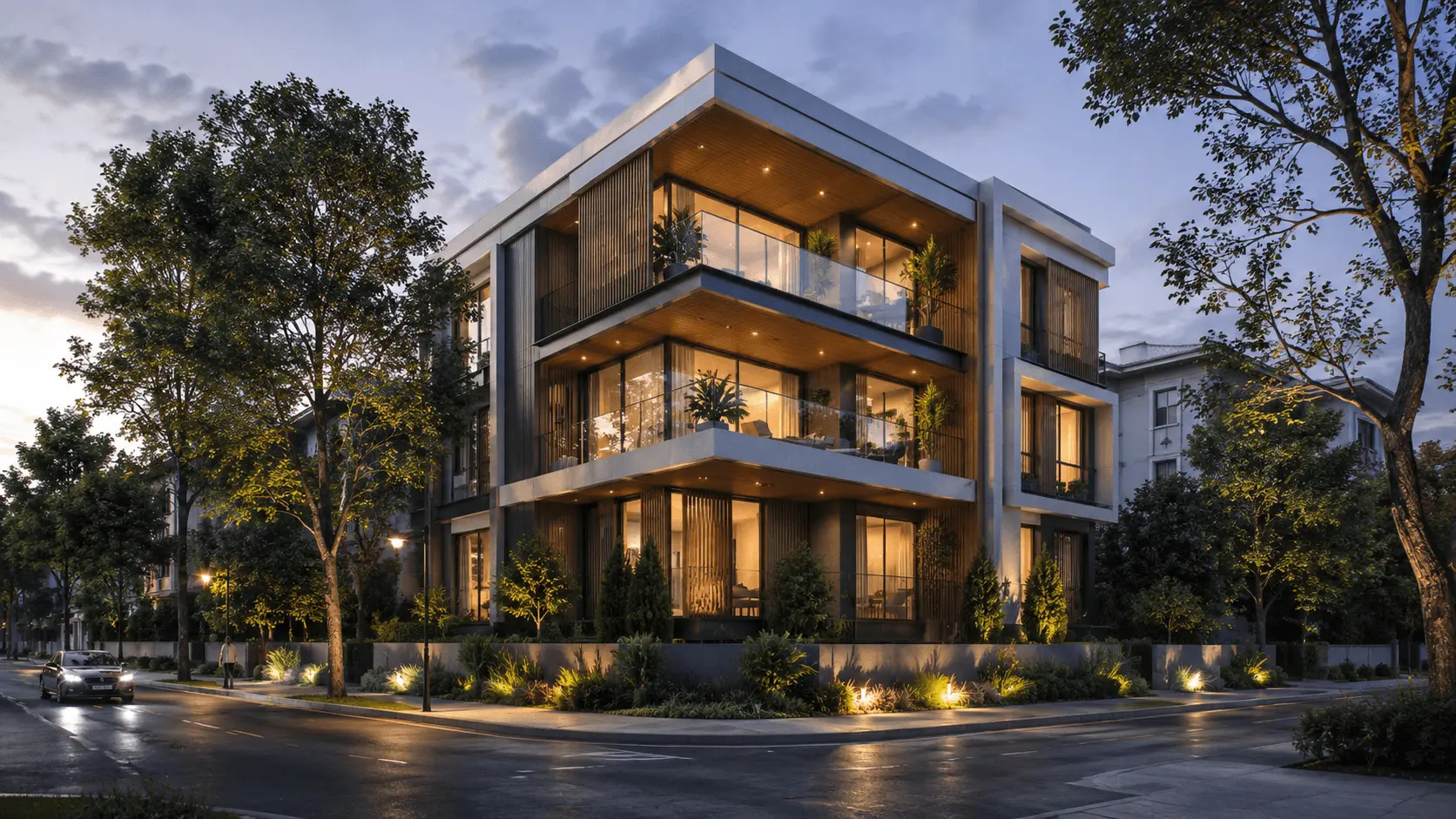
Building facades, streetscapes, and aerial views
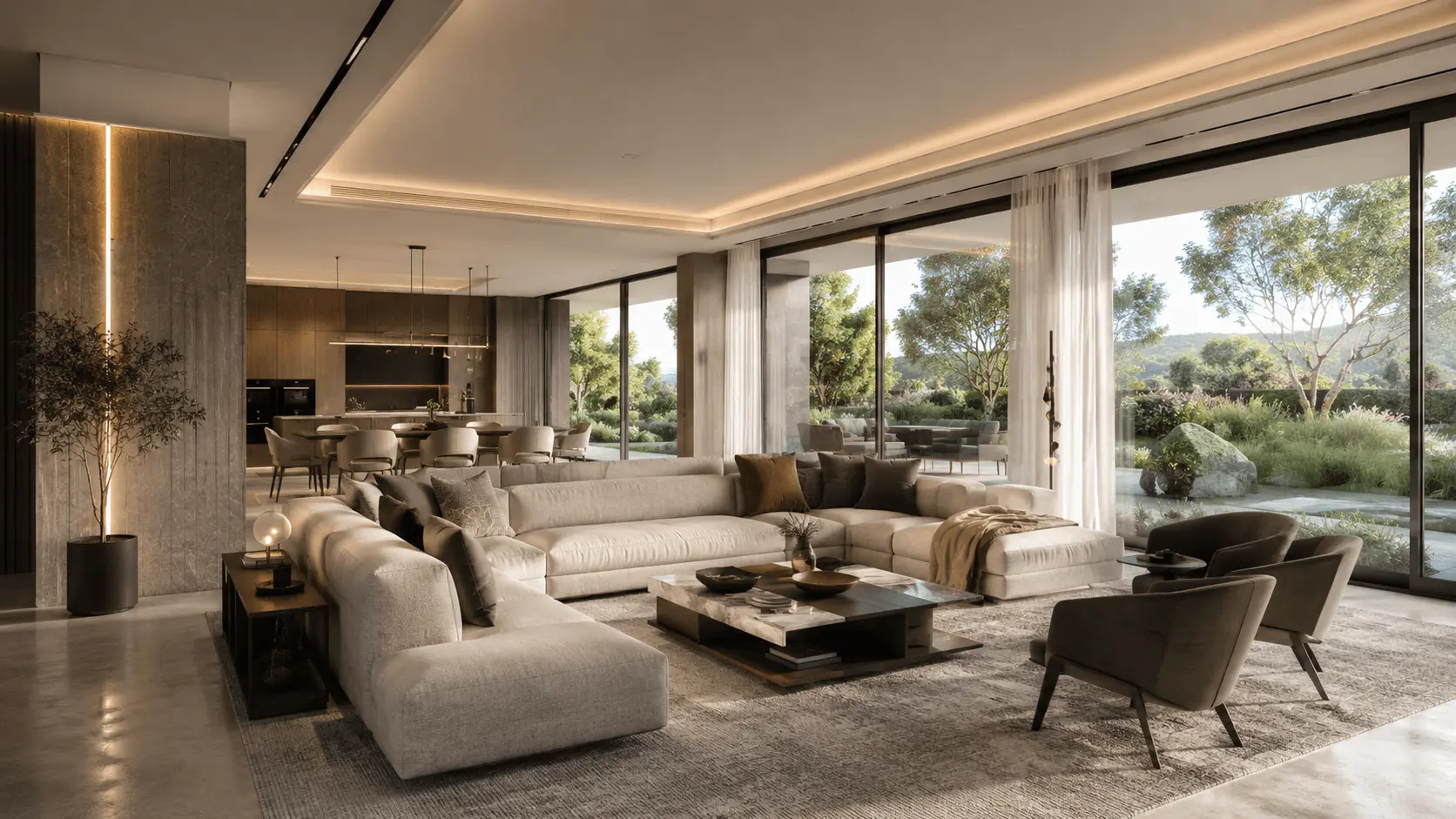
Living Room
Residential interiors for client presentations
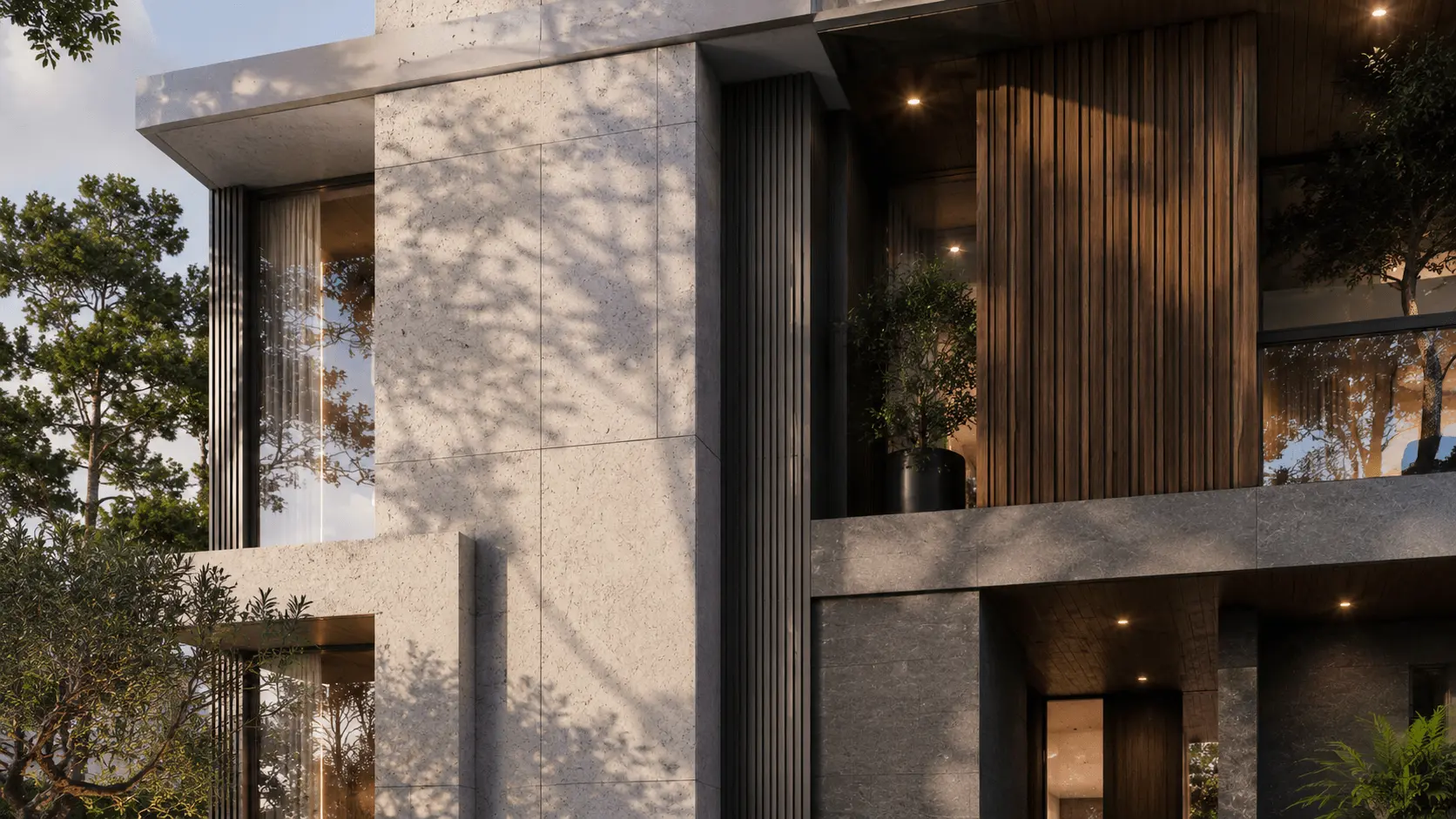
Facade
Material studies and elevation renders
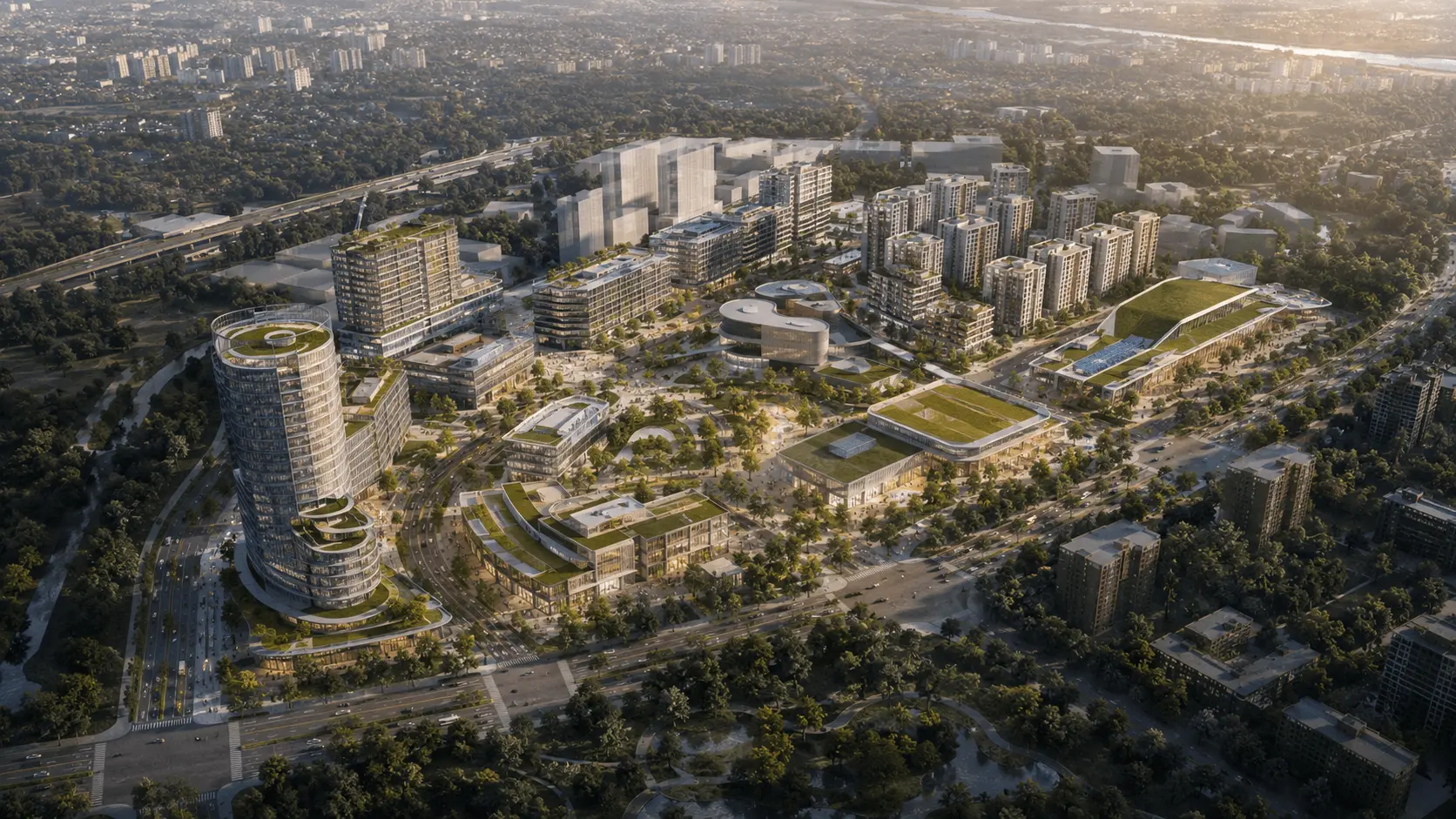
Master Plan
Site plans and aerial visualizations
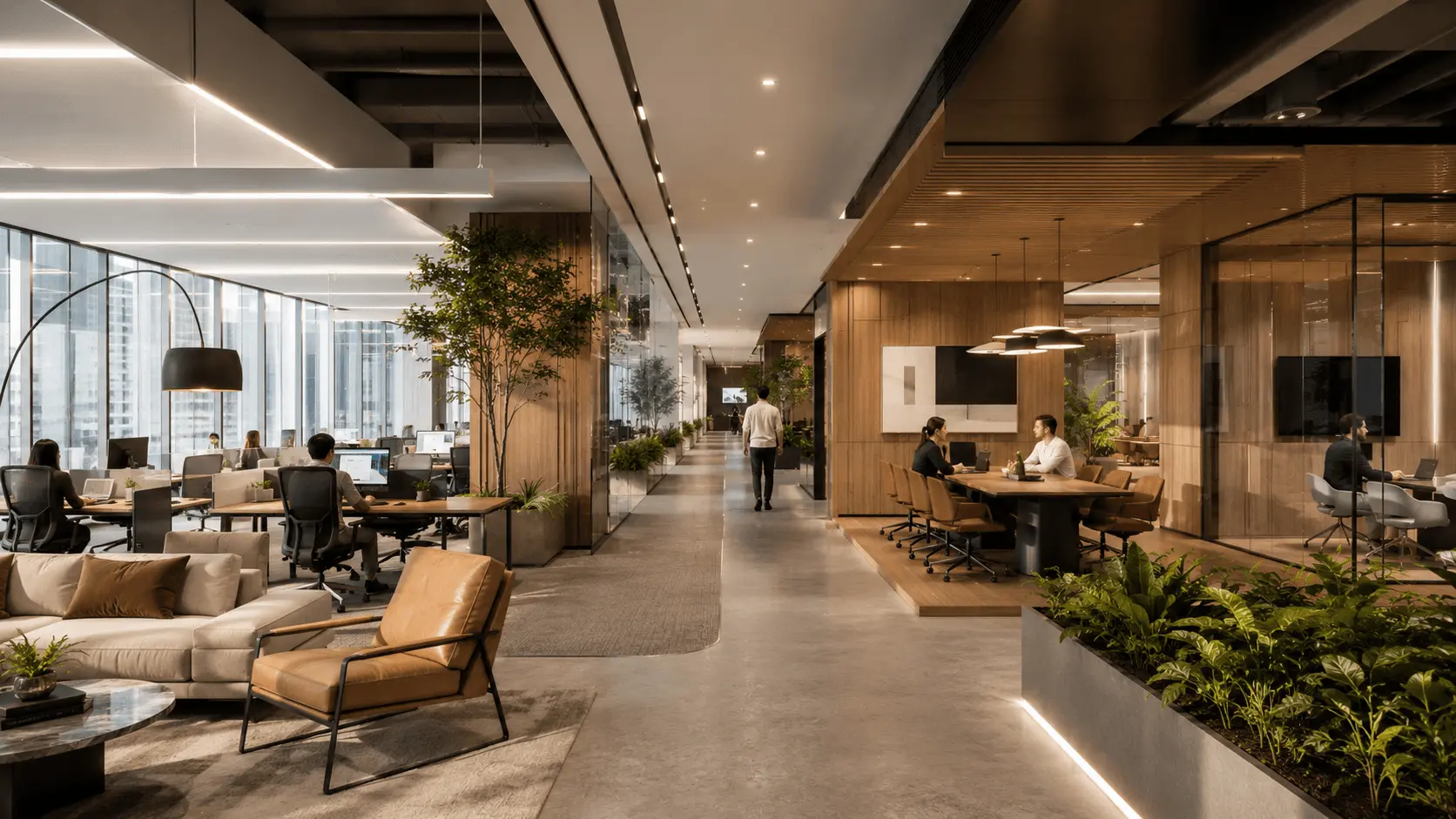
Office
Commercial interiors and workspace design
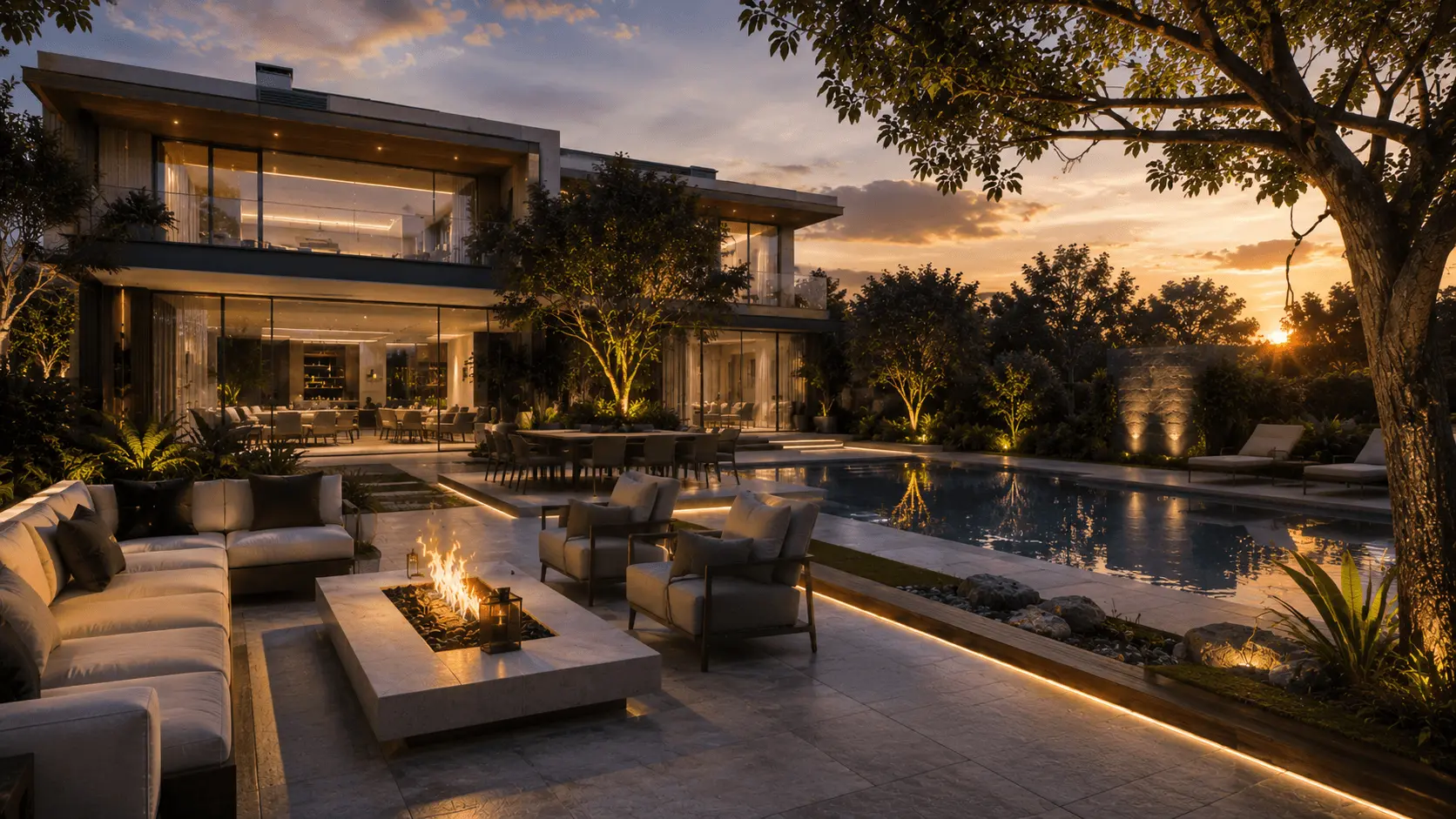
Backyard
Outdoor spaces, landscaping, and terraces
Works with your tools.








Export an image from any 3D software, or just take a screenshot. No plugins, no file conversion, no special setup.
Render more. Spend less.
One outsourced render costs $100-500. With Renderato, you start free and buy credits as you need them. No subscription, no annual commitment.
Every credit pack includes access to every tool. No feature gating, no monthly commitment.
Use credits for rendering, enhancement, style transfer, and more.
Frequently asked questions
Your next presentation doesn't need a render queue.
Start with 3 free renders. No credit card. No software to install. See the quality on your own project in 30 seconds.